
← All Features
✓ Live Now

🔍 DVIR Inspections

Replace paper inspection forms with digital pre-trip and post-trip vehicle inspections. Capture photos, track defects, get mechanic sign-off, and maintain FMCSA-compliant records — all from the driver’s phone.

Get Started Free → View All Features
FMCSA compliant
📷
Photo capture
🔧
Mechanic sign-off
$0
Free through 2026
CDL driver completing digital pre-trip inspection
📚 Understanding DVIR
What is a DVIR?

A Driver Vehicle Inspection Report is a federally mandated document that ensures every commercial vehicle is safe to operate before it goes on the road.

☀️
Pre-Trip Inspection
Federal regulation 49 CFR 396.13 requires every driver to review the last DVIR and conduct their own inspection before operating a commercial motor vehicle. The pre-trip inspection confirms that the vehicle is safe to drive. Drivers walk around the vehicle, check critical components, and document their findings. If the previous driver reported defects, the current driver must verify that repairs were completed before departing. This is the driver’s first responsibility of the day.
🌙
Post-Trip Inspection
At the end of the driving day, 49 CFR 396.11 requires the driver to prepare a written report on the condition of the vehicle. The post-trip inspection documents any defects or deficiencies that developed during the day’s driving. This report is critical because it alerts the carrier to maintenance needs before the next driver takes the vehicle out. If no defects are found, the driver still completes the report indicating the vehicle is in satisfactory condition.
📜
FMCSA 396.11 & 396.13
Two sections of the Federal Motor Carrier Safety Regulations govern DVIRs. Section 396.11 requires drivers to report vehicle condition at the end of each day. Section 396.13 requires drivers to review the previous report before driving. Carriers must retain these records for 90 days minimum. During a compliance review or roadside inspection, auditors will check for completed DVIRs, proper signatures, and evidence that reported defects were addressed by a mechanic before the vehicle was dispatched.
📱
Digital vs. Paper Forms
FMCSA accepts electronic DVIRs as equivalent to paper forms, provided they meet the same content and retention requirements. Digital DVIRs offer significant advantages: they cannot be lost or damaged, they are searchable and sortable for audits, photos can be attached as evidence, mechanic notifications happen instantly rather than waiting for the paper form to reach the shop, and records are automatically retained for the required 90-day period without manual filing.
Penalty risk: Missing or incomplete DVIRs are one of the most common violations found during FMCSA compliance reviews. Each missing DVIR can result in a violation that impacts your carrier’s CSA score in the Vehicle Maintenance BASIC category. Accumulated violations can trigger an intervention or a conditional safety rating. Digital DVIRs eliminate the risk of lost paperwork.
📋 Inspection Items
The complete DVIR checklist.

Every inspection item organized by vehicle area. Drivers walk through each section systematically to ensure nothing is missed.

⚙️ Engine Compartment

8 inspection items

  • Engine oil level — check dipstick, verify oil is within operating range and not discolored
  • Coolant level — inspect overflow reservoir, check for proper antifreeze concentration
  • Belts — check serpentine and accessory belts for cracks, fraying, or excessive wear
  • Hoses — inspect all coolant and heater hoses for bulges, soft spots, or leaks
  • Fluid leaks — look under the vehicle and around the engine for oil, coolant, or fuel drips
  • Battery — check terminals for corrosion, verify secure mounting, inspect cable connections
  • Air compressor — listen for unusual noises, verify proper air pressure buildup rate
  • Power steering fluid — check reservoir level, inspect lines for leaks or damage

🚗 Cab Interior

6 inspection items

  • Mirrors — check all mirrors for cracks, proper adjustment, and secure mounting
  • Windshield — inspect for cracks, chips, or damage that impairs visibility
  • Wipers & washers — test wiper operation on all speeds, verify washer fluid sprays
  • Horn — test operation, verify it produces a clearly audible warning signal
  • Seat belt — inspect webbing for cuts or fraying, test buckle latch and release
  • Gauges & warning lights — verify all dashboard gauges function and no warning lights are active

🚚 Exterior Walk-Around

10 inspection items

  • Tires — check tread depth (minimum 4/32″ steer, 2/32″ drive), inflation, sidewall condition
  • Lug nuts — verify all lug nuts are present, tight, and not cracked or rounded
  • Mud flaps & splash guards — confirm presence and proper mounting on all axles
  • Headlights, tail lights, turn signals — test all lighting functions, replace burned-out bulbs
  • Reflectors & reflective tape — verify all required reflectors are present and visible
  • Frame & body — check for visible cracks, bends, or structural damage to frame rails
  • Exhaust system — inspect for leaks, loose clamps, or damage to pipes and muffler
  • Coupling devices — check fifth wheel jaws, locking mechanism, and kingpin engagement
  • Doors & latches — verify all doors open, close, and latch securely
  • Load securement — check straps, chains, binders, and edge protectors for wear and tension

🚦 Brake System

5 inspection items

  • Air pressure — build air to governor cut-out, verify both primary and secondary tanks reach proper PSI
  • Brake pads & shoes — visually inspect thickness where accessible, listen for grinding during test
  • Slack adjusters — check push rod stroke, verify automatic adjusters are functioning correctly
  • Air lines & connections — inspect gladhand connections, check all air lines for cracks, chafing, or leaks
  • Parking brake — test holding ability on a grade, verify spring brake application and release

📦 Trailer (If Applicable)

7 inspection items — completed when pulling a trailer

  • Landing gear — crank handle secured, legs fully raised, no visible damage to gears
  • King pin — verify proper engagement with fifth wheel, check for excessive wear
  • Trailer doors — open, close, and latch securely, hinges not bent or broken
  • Floor condition — check for holes, soft spots, or broken crossmembers
  • Walls & roof — inspect interior walls for holes or damage, check roof for leaks
  • Trailer lights — test all clearance, marker, brake, and turn signal lights
  • Trailer tires — check tread depth, inflation, and sidewall condition on all axles
Customizable checklists: While the items above cover the FMCSA-required minimum, carriers can add custom inspection items specific to their equipment. For example, reefer carriers can add temperature unit checks, tanker carriers can add valve and hose inspections, and flatbed carriers can add detailed securement checks. Custom items are added through the carrier dashboard and appear automatically in every driver’s DVIR.
Driver photographing defect for DVIR report
📱 Step by Step
How digital DVIR works.

From opening the app to hitting the road, here is the complete digital inspection workflow that replaces clipboard-and-paper forever.

1
Driver Opens the VAU0 App
At the start of the day, the driver opens the VAU0 app on their phone or tablet. The home screen displays a prominent “Start Pre-Trip Inspection” button. Before the driver can begin driving or change their duty status to “On Duty Driving,” the system prompts them to complete the pre-trip DVIR. This ensures no driver hits the road without an inspection on file.
2
Select Vehicle and Trailer
The driver selects the vehicle they will be operating from a list of assigned units. If pulling a trailer, they select the trailer as well. The system automatically loads the appropriate checklist — a truck-only inspection for bobtail operation, or a combined truck-and-trailer inspection when a trailer is selected. The vehicle’s previous DVIR is displayed so the driver can review any defects reported by the prior driver.
3
Walk Through Checklist Items
The app presents each inspection item one at a time, organized by vehicle area. The driver physically inspects each component and marks it as Pass, Defect, or N/A (not applicable). Items are grouped logically to match a natural walk-around pattern — starting at the engine compartment, moving through the cab, around the exterior, checking brakes, and finally the trailer. This guided flow ensures nothing is skipped.
4
Photograph Any Defects
When a driver marks an item as “Defect,” the app immediately opens the camera. The driver takes one or more photos of the defect, providing visual evidence that the issue exists and showing its severity. Photos are GPS-stamped and time-stamped, creating a verifiable record. The driver can also add a text note describing the defect in more detail — for example, “passenger side steer tire showing belt separation on sidewall.”
5
Electronic Signature
After completing all checklist items, the driver signs the DVIR electronically on the touchscreen. This signature confirms that the driver personally conducted the inspection and that the report accurately reflects the vehicle’s condition. The electronic signature meets FMCSA requirements for driver certification of the vehicle inspection report. The signed report is automatically dated and time-stamped.
6
Defects Trigger Mechanic Notification
If any defects were reported, the fleet manager and designated mechanic receive an instant notification via the VAU0 dashboard and optionally by email. The notification includes the vehicle number, the specific defect items, the driver’s notes, and the attached photographs. Critical defects are flagged with a red priority indicator, ensuring they are addressed before the vehicle is dispatched.
7
Mechanic Reviews and Repairs
The mechanic opens the defect report on their phone or on a shop computer. They review the photos and driver notes to understand the issue before even walking to the vehicle. After completing the repair, the mechanic logs what was done, optionally adds their own photos of the completed repair, and signs off electronically. This creates a complete chain of custody from defect discovery to resolution.
8
Driver Confirms Repairs
Before driving, the next driver reviews the mechanic’s sign-off on any previously reported defects. The driver verifies that the repairs are satisfactory and acknowledges them in the app. This completes the DVIR cycle and satisfies the 396.13 requirement that drivers review prior DVIRs before operating the vehicle. The vehicle is now cleared for dispatch.
9
Post-Trip Inspection at End of Day
At the end of the driving day, the driver completes a post-trip inspection following the same checklist workflow. This documents any issues that developed during driving — a new vibration, a warning light that appeared, a tire that looks low, or a light that burned out. The post-trip DVIR is especially important because it alerts the carrier to problems before the next driver starts their day.
10
Records Stored for 90+ Days
Every completed DVIR — including all checklist items, photos, driver signatures, mechanic sign-offs, and repair notes — is stored digitally for at least 90 days, meeting the FMCSA retention requirement. Records are searchable by vehicle, driver, date, or defect status. During an audit or roadside inspection, fleet managers can pull up any DVIR in seconds rather than digging through filing cabinets.
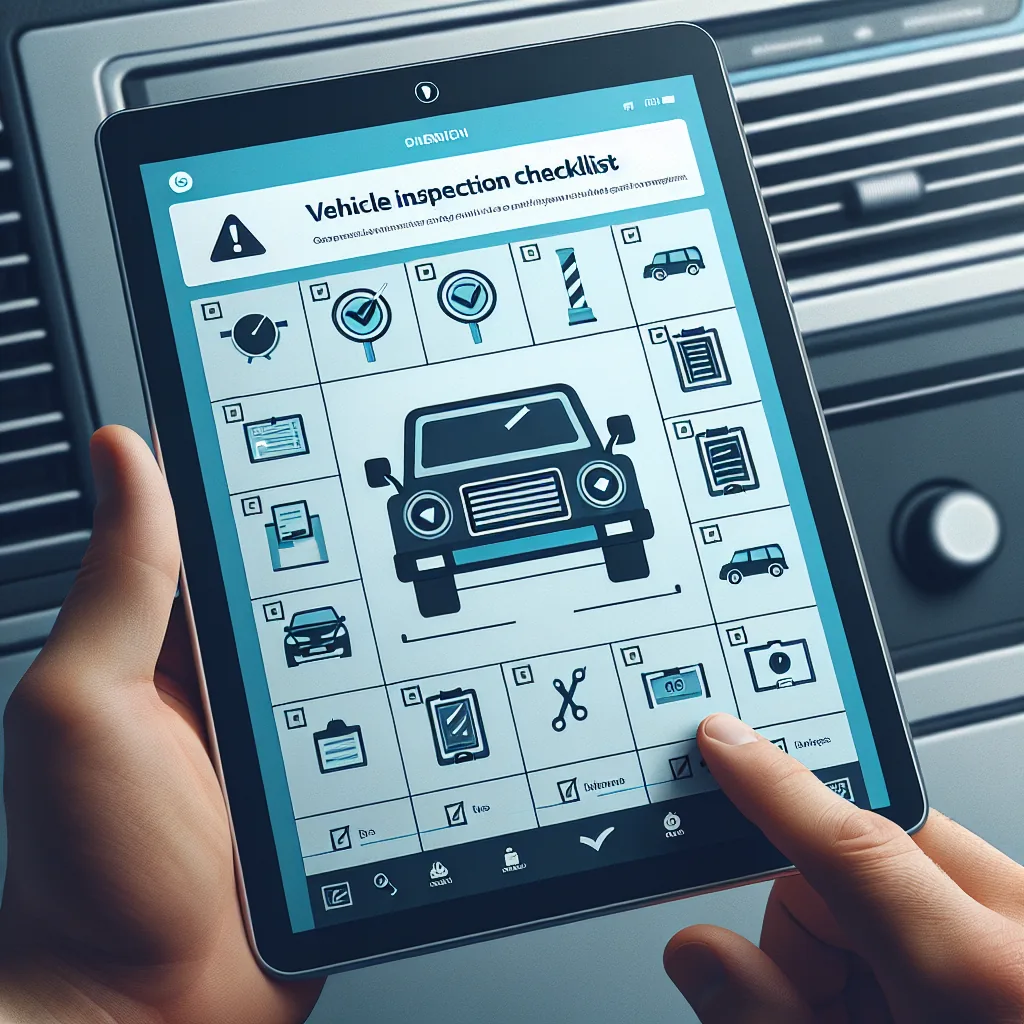
DVIR inspection checklist app interface
⚠️ Defect Management
Defect reporting & resolution workflow.

From the moment a driver finds a problem to the moment the vehicle is cleared for service, every step is tracked and documented.

🔎
Defect Found
Driver marks item as defective during inspection walk-around
📷
Photo Captured
Driver photographs the defect with GPS and time stamp
🚨
Severity Assigned
System categorizes as minor, major, or critical based on component
🔧
Repair & Sign-Off
Mechanic repairs, documents work, signs off electronically

Severity Levels

Every defect is automatically classified into one of three severity levels based on the component involved:

Minor Defect
Vehicle can still operate safely. Examples: small windshield chip not in driver’s direct line of sight, slightly faded reflective tape, minor cab interior cosmetic damage. Schedule repair at next available maintenance window.
Major Defect
Vehicle should be repaired before next trip. Examples: worn brake pads approaching minimum thickness, slow air leak in brake system, cracked mirror housing, malfunctioning turn signal. Mechanic should address within 24 hours.
Critical Defect
Vehicle is out of service until repaired. Examples: brake failure, steering system malfunction, tire with exposed cords, inoperative headlights at night. Vehicle must not be driven. Matches FMCSA out-of-service criteria from the CVSA inspection standards.

Repair Documentation Chain

The system maintains a complete audit trail from defect to resolution:

  • Driver reports defect with photo, note, and severity classification
  • Fleet manager receives instant notification on the dashboard
  • Mechanic is assigned to the repair through the work order system
  • Mechanic reviews defect photos before walking to the vehicle
  • Repair is completed and mechanic documents what was done
  • Mechanic adds post-repair photos showing the fix
  • Mechanic signs off electronically with their name and timestamp
  • Next driver reviews the repair during their pre-trip inspection
  • Driver acknowledges the repair is satisfactory and signs
  • Vehicle status changes from “Defect Reported” to “Cleared”
Complete accountability: Every defect has a paper trail showing who reported it, when it was reported, who repaired it, what was done, and who verified the repair. This chain of documentation protects the carrier, the mechanic, and the driver.
🕵 Audit Readiness
What happens during an audit.

FMCSA compliance reviews and roadside inspections both examine DVIR records. Digital DVIRs make audit response faster and more thorough than paper.

📄 What Auditors Check
FMCSA auditors typically review the most recent 90 days of DVIR records during a compliance review. Here is what they are looking for:
  • DVIRs exist for every day a vehicle was operated
  • Each DVIR includes the date and vehicle identification
  • Driver’s signature or electronic certification is present
  • All defects are noted with sufficient description
  • Mechanic action is documented for every reported defect
  • Mechanic signature or sign-off is present on repairs
  • Driver reviewed the previous DVIR before operating (396.13)
  • Records are retained for the full 90-day minimum period
⚠️ Common Audit Failures
These are the DVIR-related problems that most commonly result in violations during FMCSA compliance reviews:
  • Missing DVIRs for days when the vehicle was operated
  • DVIRs with no driver signature or certification
  • Defects reported but no mechanic action documented
  • Mechanic did not sign off after completing a repair
  • No evidence that the next driver reviewed prior defects
  • Paper DVIRs lost, damaged, or illegible
  • Records discarded before the 90-day retention period
  • Incomplete checklists with items left blank
Digital advantage: With VAU0’s digital DVIR system, every one of these common failures is prevented automatically. The system enforces completion of all checklist items, requires signatures before submission, sends defects to mechanics immediately, tracks mechanic sign-off, and retains all records for the required period. Auditors can search and filter records instantly rather than flipping through stacks of paper.
📈 Side-by-Side
Digital DVIR vs. paper inspections.

A direct comparison showing why carriers are transitioning from paper inspection forms to digital DVIR systems.

Criteria VAU0 Digital DVIR Paper Forms
Time to complete 2–4 minutes (guided checklist) 5–10 minutes (writing by hand)
Photo evidence Photos attached to each defect No photo capability
Mechanic notification speed Instant push notification Hours or next business day
Audit readiness Search any DVIR in seconds Manual search through filing cabinets
Record storage Automatic cloud storage for 90+ days Physical filing required, space-consuming
Search & filter By vehicle, driver, date, defect status Not possible without reading each form
Risk of lost forms Zero — stored digitally High — paper gets lost, damaged, wet
Completeness enforcement App requires all items checked before submission Drivers may skip items or leave blanks
Signature verification Electronic signature with timestamp Handwritten, sometimes illegible
Defect tracking Full lifecycle from report to resolution Relies on manual follow-up process
Cost per form $0 (included in VAU0 platform) $0.15–$0.50 per printed form
Environmental impact Paperless, zero waste Thousands of pages per year per fleet
🔗 Maintenance Integration
DVIRs feed fleet maintenance.

Inspection data does not just sit in a filing cabinet. It flows into your maintenance system, driving smarter decisions about vehicle upkeep and replacement.

📈
Defect Trend Analysis
When the same vehicle generates repeated defects for a particular component, the system identifies the trend and alerts the fleet manager. For example, if a truck’s brakes are reported as defective three times in 30 days, it may indicate a deeper issue that a simple pad replacement will not solve. Trend analysis helps you catch systemic problems before they lead to a breakdown on the highway or an out-of-service violation during a roadside inspection.
📅
Preventive Maintenance Scheduling
DVIR data integrates with preventive maintenance schedules. When inspection reports consistently flag early signs of wear on specific components, the system can recommend moving up a scheduled PM service. This proactive approach prevents breakdowns that cost far more than planned maintenance. Carriers who use DVIR data to adjust PM schedules typically see a measurable reduction in unplanned roadside breakdowns.
📦
Parts Forecasting
Defect data helps predict which parts you will need to stock. If DVIR reports across your fleet show increasing brake defects on a particular truck model, you can order brake components proactively. This reduces vehicle downtime waiting for parts to arrive. Over time, defect patterns help refine your parts inventory, ensuring common replacement items are always in stock at your maintenance facility.
💪
Fleet Health Score
The platform calculates a fleet health score based on the ratio of clean DVIRs (no defects) to defect reports, the average time to resolve reported defects, and the frequency of recurring issues on the same vehicle. This score gives fleet managers a single metric to track overall fleet condition over time. A declining health score signals that maintenance spending or scheduling needs attention before it impacts operations.
💰
Cost Tracking
Link DVIR defects to repair costs to understand the true maintenance expense per vehicle. When a mechanic resolves a DVIR defect, they can log the parts used and labor hours. Over time, this builds a complete maintenance cost history for every vehicle in the fleet. Use this data to make informed decisions about whether to continue maintaining an aging vehicle or replace it with a newer unit.
🎯
Driver Accountability
Track which drivers consistently complete thorough inspections and which ones rush through with no defects ever reported. While some drivers genuinely operate well-maintained trucks, a driver who never reports any defect over months of driving may not be conducting genuine inspections. DVIR completion quality metrics help safety managers identify coaching opportunities and reinforce the importance of thorough vehicle inspections.
🏁 Quick Setup
Go digital in three steps.

Transitioning from paper DVIRs to digital takes minutes, not days. Here is how to get started.

1

Add Your Vehicles

Log in to your VAU0 carrier dashboard and add your vehicles to the fleet. Enter each vehicle’s unit number, VIN, year, make, and model. This information populates the DVIR form header automatically so drivers do not need to write vehicle details by hand. You can also upload your trailer inventory for combination vehicle inspections.

2

Drivers Install the App

Each driver downloads the VAU0 app from the Google Play Store or Apple App Store. After logging in, the DVIR feature is immediately available. No additional configuration is needed. The app walks drivers through the inspection process with a guided checklist, so training takes only a few minutes. Most drivers are comfortable with the process after their first inspection.

3

Review Reports on Your Dashboard

As drivers complete DVIRs, reports appear on your carrier dashboard in real time. View all inspections for any vehicle, filter by date range or defect status, and drill into individual reports to see checklist details, photos, and signatures. Set up alerts for defects that require immediate attention. Your fleet’s inspection history is always at your fingertips.

No extra cost: Digital DVIR is included with every VAU0 account at no additional charge through December 2026. There are no per-inspection fees, no per-vehicle charges, and no limits on the number of DVIRs your drivers can complete. Paper forms, clipboards, and filing cabinets become things of the past.
🔗 Related Features
Works seamlessly with these features.

DVIR integrates with other VAU0 platform features to create a complete compliance and maintenance management system.

Professional truck maintenance inspection
Go paperless with digital inspections.
Every feature on this page is available today — free through December 2026. Replace paper DVIRs with a system that is faster, more thorough, and always audit-ready.