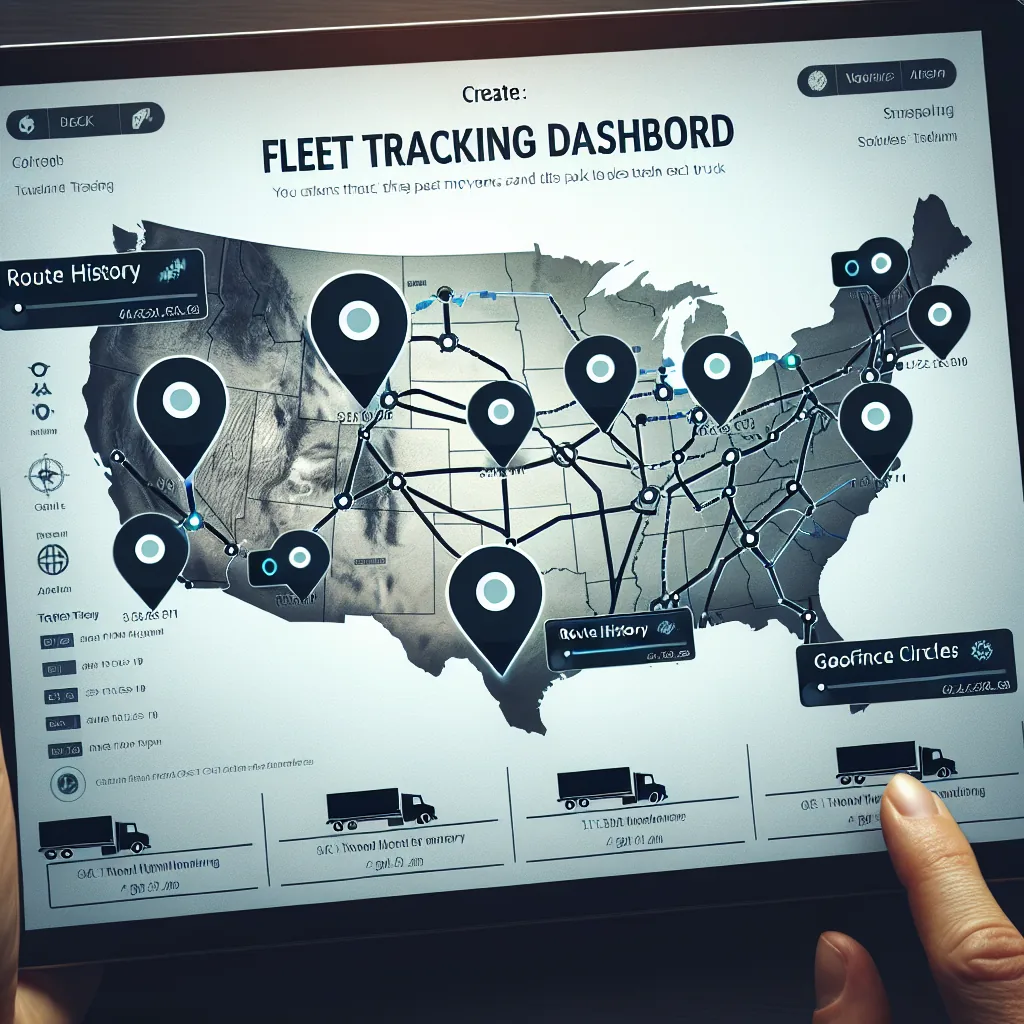
See every vehicle in your fleet on an interactive map in real time. Track routes, monitor speeds, set geofences, and share live locations with brokers and shippers — all without additional hardware.
Six powerful tracking capabilities working together to give you complete awareness of every vehicle, every mile, every minute of the day.
An interactive, browser-based map that puts your entire fleet at your fingertips. No plugins, no downloads — just open your dashboard.
Every vehicle on the map is represented by a colored marker that communicates status at a glance. Green markers indicate the driver is currently driving and making progress toward their destination. Yellow markers show vehicles that are stopped but the driver is still on duty — typically at a shipper or receiver waiting for loading or unloading.
Gray markers represent drivers who are off duty or in their sleeper berth. Red markers flag any vehicle with an active alert, such as a speed violation or an overdue HOS break. Hovering over any marker reveals the driver’s name, vehicle number, and current speed.
Click any vehicle marker on the map to open a detailed side panel. This panel provides a comprehensive snapshot of the vehicle and its driver without leaving the map view. You can see the driver’s full name, assigned vehicle, and current contact method. The load section shows the active shipment with origin, destination, and commodity type.
The HOS section displays the driver’s remaining hours in a visual bar chart format: drive time remaining, on-duty time remaining, and cycle time remaining. Below that, you see the current speed, the street address of the vehicle’s location (reverse geocoded), and the last GPS update timestamp.
Toggle route display to see the path each vehicle has traveled during its current trip. Routes are drawn as smooth polylines connecting each GPS coordinate point in chronological order. The lines are color-coded to match the vehicle marker so you can distinguish overlapping routes from different trucks.
For historical review, select any date in the past 90 days and replay the route a vehicle traveled. This playback mode animates the marker along the route at adjustable speed, showing the time and speed at each point. Fleet managers use this feature to audit route adherence, investigate incidents, and verify trip logs.
The map supports standard gestures including pinch-to-zoom on mobile and scroll-to-zoom on desktop. Toggle between street map view and satellite imagery view depending on what you need to see. Street view is best for route planning and navigation context, while satellite view helps when you need to identify specific buildings, yards, or parking areas.
Use the search bar to jump to any address, city, or ZIP code. The map automatically clusters nearby vehicle markers at lower zoom levels and expands them as you zoom in, keeping the display clean even for large fleets with hundreds of vehicles.
From the driver’s phone to your dashboard map, GPS coordinates travel through a reliable pipeline designed for accuracy, speed, and minimal battery impact.
Create virtual perimeters around any location. When a vehicle enters or exits, the system reacts automatically — logging times, sending notifications, and generating documentation.
Automatically calculated and continuously updated delivery estimates that keep everyone informed without a single phone call.
The ETA engine considers five key factors when estimating arrival time. First, the vehicle’s current GPS location provides the starting point. Second, the remaining driving distance to the destination is calculated using road network routing, not straight-line distance. Third, the driver’s available hours of service determine whether the driver can complete the trip without a mandatory break.
Fourth, the driver’s average speed over the past hour provides a real-world speed estimate that accounts for current road conditions. Fifth, historical transit time data for similar routes helps refine the estimate based on patterns like slower speeds through construction zones or metropolitan areas.
When a load is assigned to a driver, the system generates an initial ETA and shares it with the broker or shipper via a tracking link. As the driver progresses, the ETA is recalculated continuously and the tracking page updates automatically. If the ETA shifts by more than 30 minutes, the system can send an email or webhook notification to the broker alerting them to the change.
This eliminates the need for check-call phone calls. Brokers simply open the tracking link and see the vehicle’s current position, projected arrival time, and delivery status. The tracking link is unique per load and does not expose information about your other vehicles or loads — the broker only sees what they need to see for their specific shipment.
See how VAU0’s included GPS tracking compares to standalone fleet tracking solutions on the market. VAU0 includes GPS as part of the platform at no extra cost.
| Feature | VAU0 GPS | Samsara | Motive (KeepTruckin) | Verizon Connect |
|---|---|---|---|---|
| Real-time tracking | ✓ | ✓ | ✓ | ✓ |
| Update frequency | Every 60 seconds | Every 60 seconds | Every 60 seconds | Every 60–120 seconds |
| Geofencing | ✓ Unlimited | ✓ Included | ✓ Included | ✓ Included |
| ELD integration | ✓ Native (ERETH) | ✓ Native | ✓ Native | ✗ Separate product |
| TMS integration | ✓ Built-in | ✗ Third-party | ✗ Third-party | ✗ Third-party |
| Mobile driver app | ✓ Android & iOS | ✓ Android & iOS | ✓ Android & iOS | ✓ Android & iOS |
| Broker tracking links | ✓ Included | ✗ Add-on | ✗ Add-on | ✗ Not available |
| Monthly cost per vehicle | $0 through 2026 | $25–$40/mo | $20–$35/mo | $25–$45/mo |
| Contract required | No contract | 3–5 year contract | 1–3 year contract | 3–5 year contract |
| Hardware required | None (phone-based) | Samsara gateway device | Motive vehicle gateway | Verizon OBD/hardwire tracker |
| Route history retention | 90 days | 90 days | 90 days | 60 days (standard) |
| Speed alerts | ✓ | ✓ | ✓ | ✓ |
GPS tracking serves different needs for different roles. Here is how each stakeholder uses VAU0’s live tracking capabilities.
No hardware to install, no contracts to sign, no setup fees. Your fleet can be live on the map in under 15 minutes.
Each driver downloads the VAU0 driver app from the Google Play Store or Apple App Store. The app is free and takes less than two minutes to install. Drivers log in with the credentials provided by their carrier and grant location permission when prompted. That single permission enables all GPS tracking functionality.
Once a driver logs in and starts their duty day, GPS tracking begins automatically in the background. There are no buttons to press, no mode to enable, and no configuration required. The app captures coordinates every 60 seconds and transmits them to the VAU0 platform. The driver can use other apps, make calls, or lock their phone screen — tracking continues uninterrupted.
Log in to your VAU0 carrier dashboard and open the Fleet Map. Every driver who has installed the app and is on duty appears as a live marker on the map. Click any marker to view details. Set up geofences, configure alerts, and generate tracking links for brokers. The dashboard works on any modern browser — desktop, tablet, or phone — no software installation needed.
GPS tracking connects with other VAU0 platform features to create a comprehensive fleet management system.